Scanning Made Simple: The Titan Scanner
iCoderz Solutions developed an efficient mobile app to transform your Android device into a powerful document scanner — with precise edge detection, image enhancement, and seamless PDF creation.
Titan Scanner — Your Mobile PDF Scanner App
The Titan Scanner — Create PDF app was designed to provide users with a convenient and highly effective way to digitise physical documents, receipts, whiteboards, and more using their smartphone camera. iCoderz Solutions partnered on this project to create a reliable and feature-rich scanning application that ensures sharp, professional-quality digital documents every time.
Development Challenges
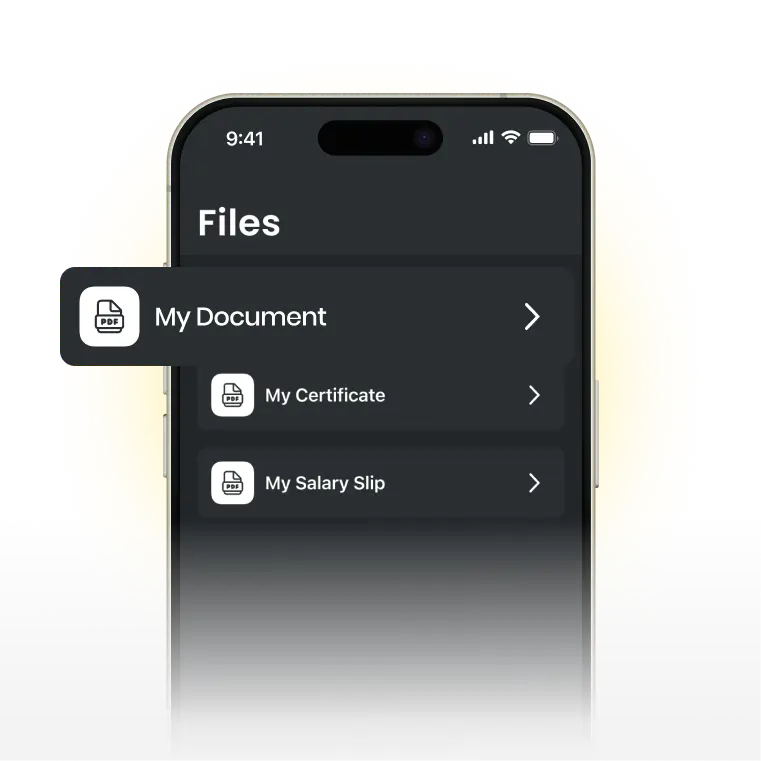
Developing Titan Scanner involved several key challenges. We needed to ensure accurate document edge detection and provide robust image quality enhancement so scans were clear and readable. Efficiently converting multiple scans into a single high-quality PDF was also crucial. Our team also focused on creating a smooth and intuitive user experience that worked on a wide range of Android devices.
Solutions & How We Built It
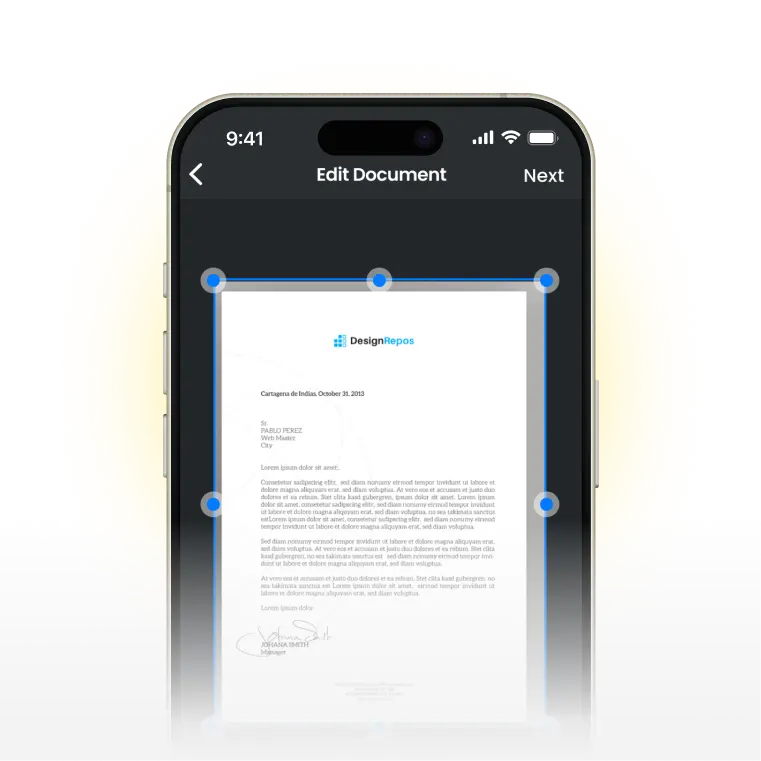
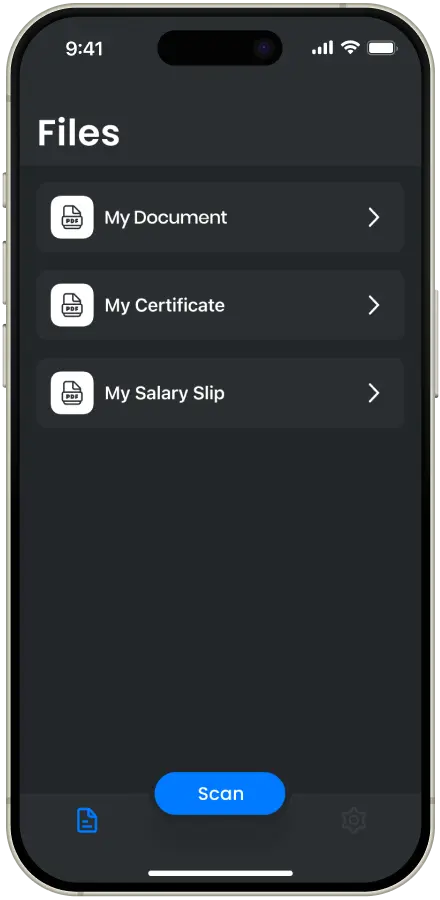
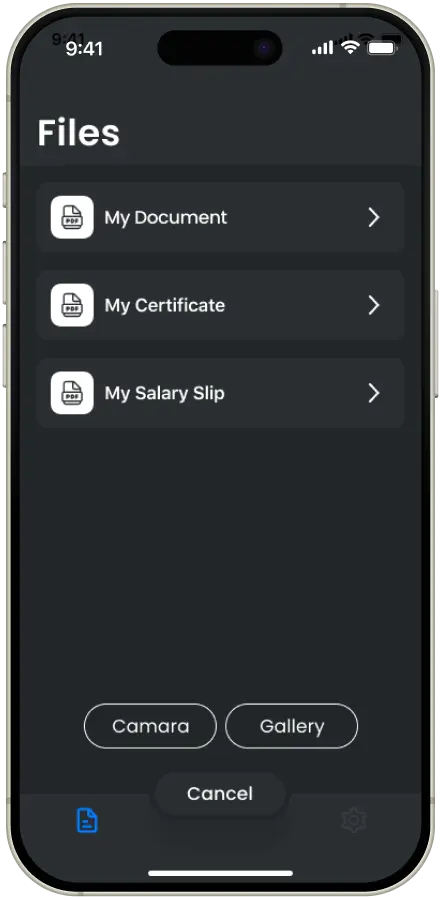
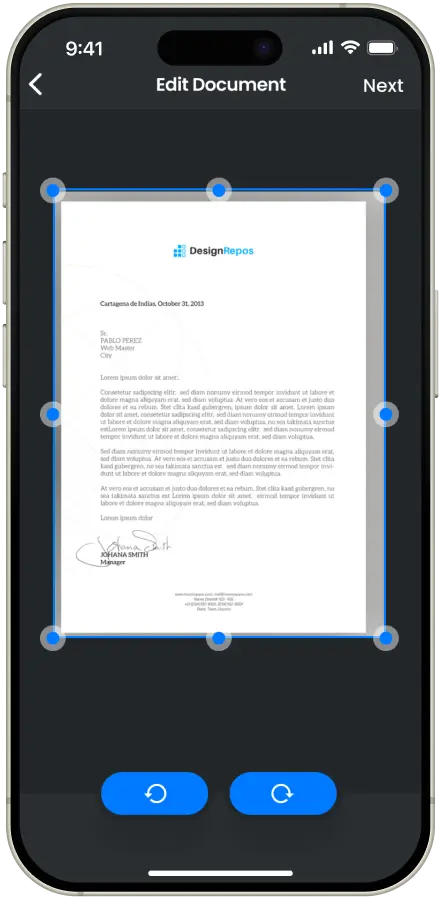
iCoderz Solutions addressed these challenges with a focused approach. We implemented advanced image processing for precise edge detection and auto-cropping. To improve scan quality, we developed custom enhancement filters. We also optimised the PDF generation process for quick and reliable document creation, and designed a clean Android interface that guides users through the scanning process effortlessly.
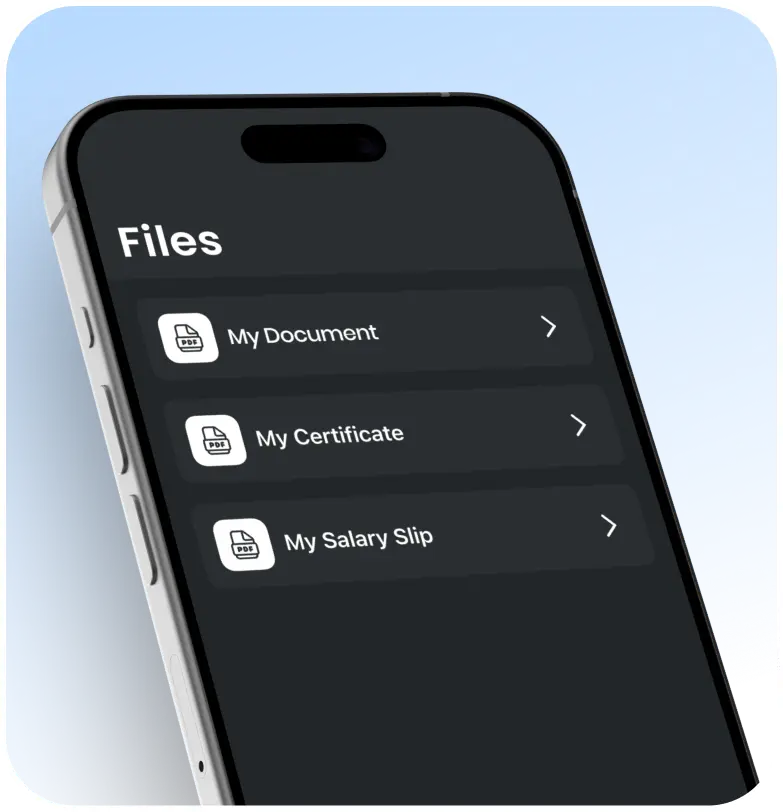
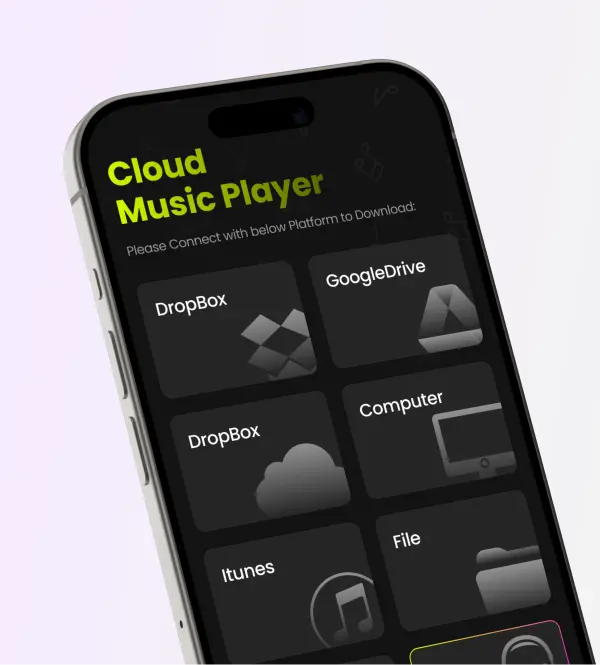
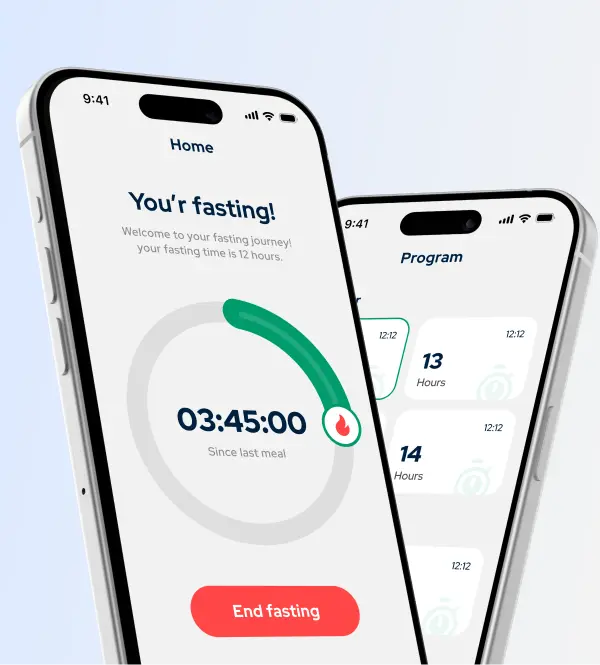
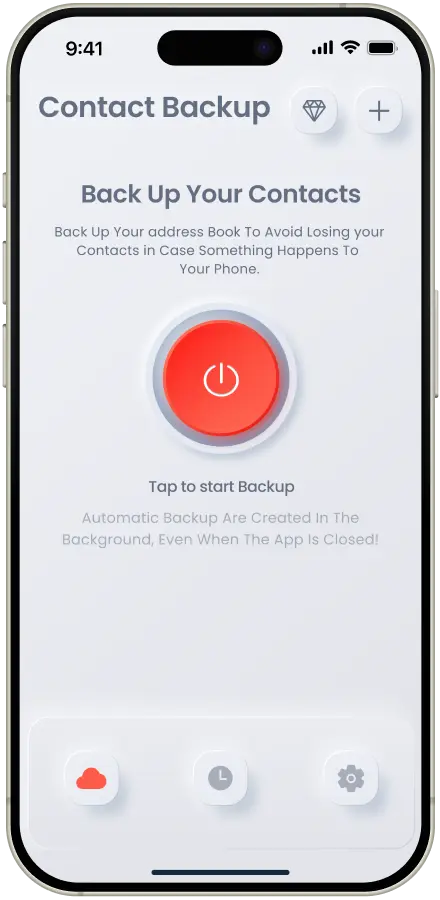
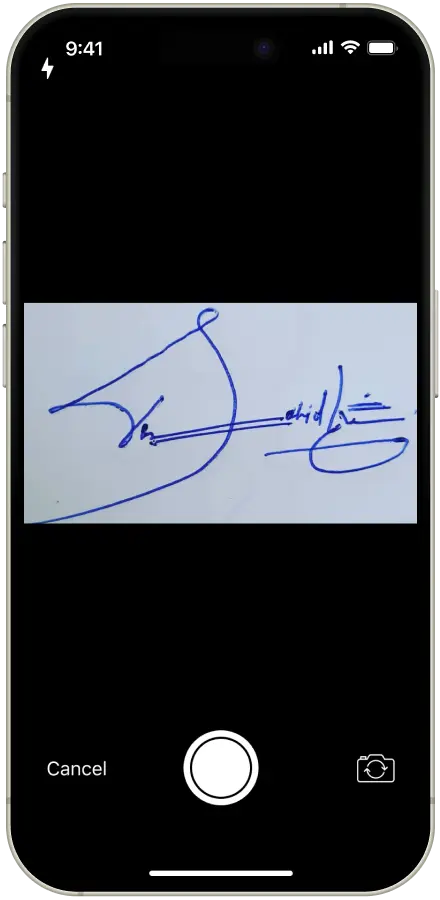
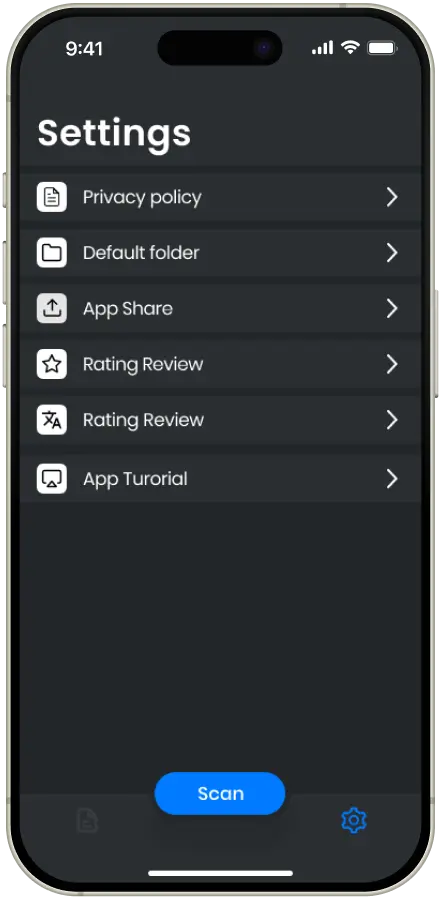
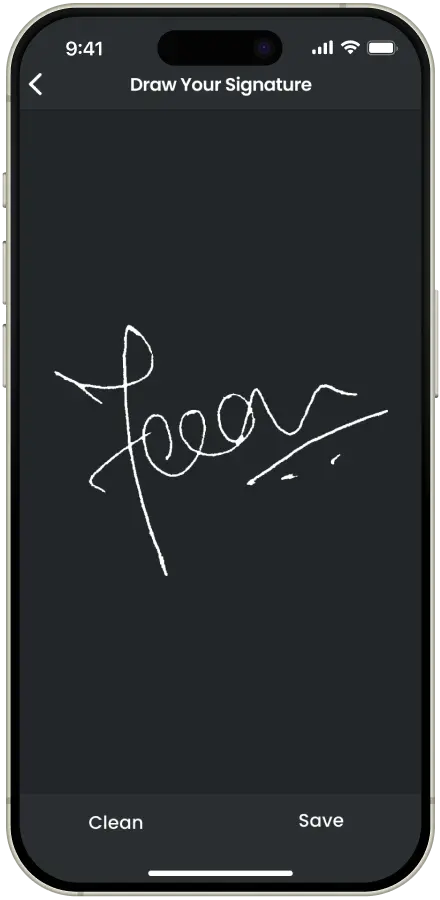
Project Design Screens
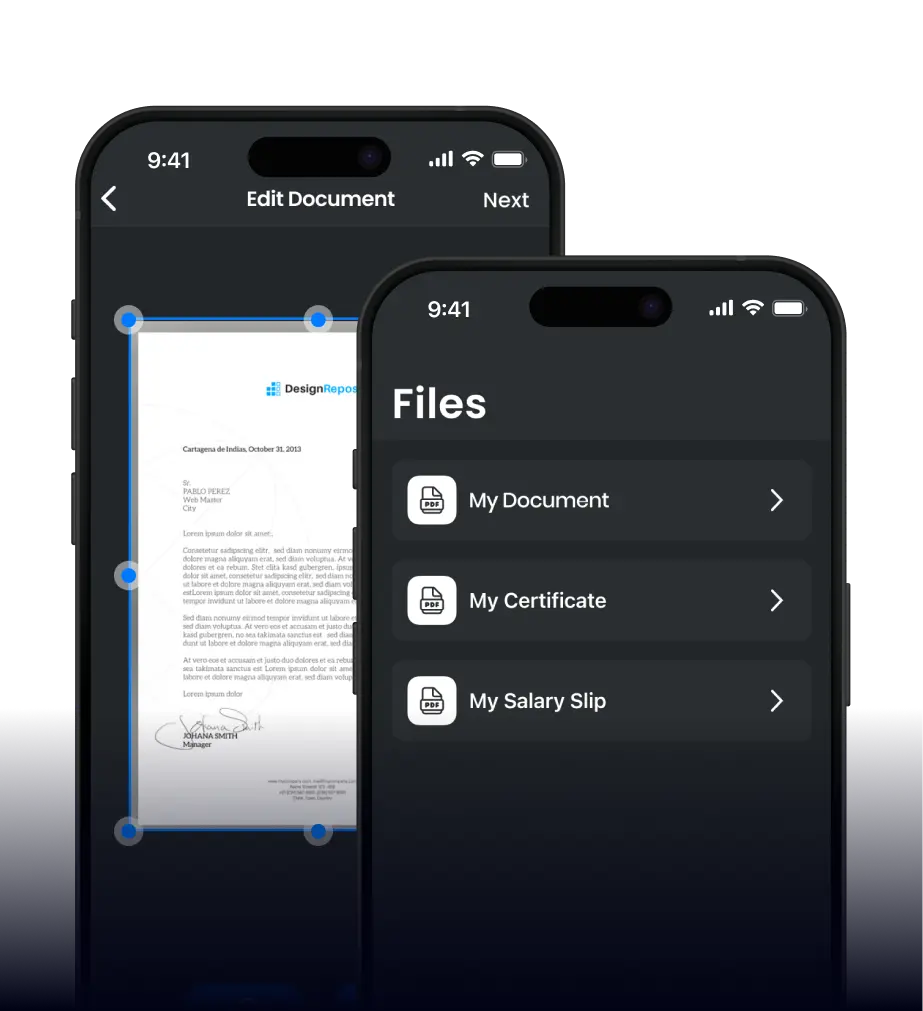
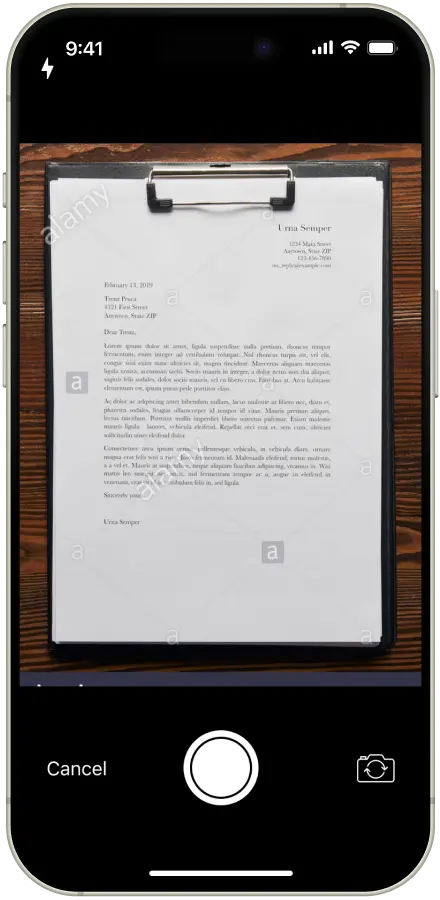
An intuitive Android interface designed to make document scanning fast, precise, and effortless.
App Features
- Mobile Document Scanner: Scan documents, receipts, IDs, whiteboards, and more using your phone's camera.
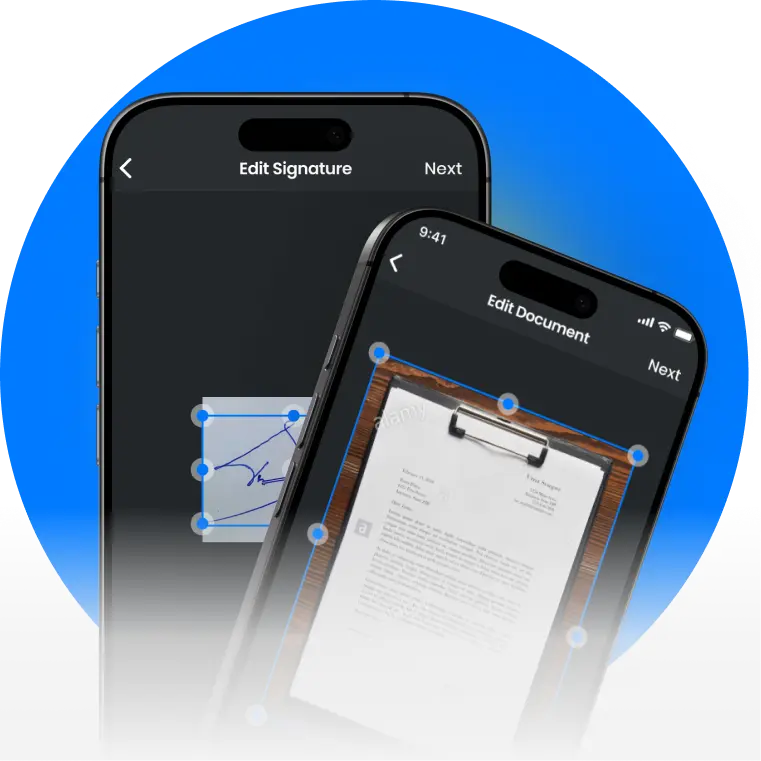
- Smart Edge Detection & Auto-Crop: Automatically detects document edges and crops precisely for perfect scans.
- Image Enhancement Filters: Improve scan quality with various filters for black & white, colour, and photo modes.
- Multi-Page PDF Creation: Combine multiple scans into a single, well-organised PDF document.
- Share & Export: Easily share scanned documents via email, Google Drive, or other apps.
Technology Stack


Ready to Boost Your Document
Management Business?
Tell us your idea and get a transparent proposal within 5 business days.
Get in Touch!
Scan Anywhere: Get Titan Scanner — Create PDF
Download the Titan Scanner — Create PDF app and turn your phone into a powerful portable scanner today. Perfect for documents, receipts, whiteboards, and more.