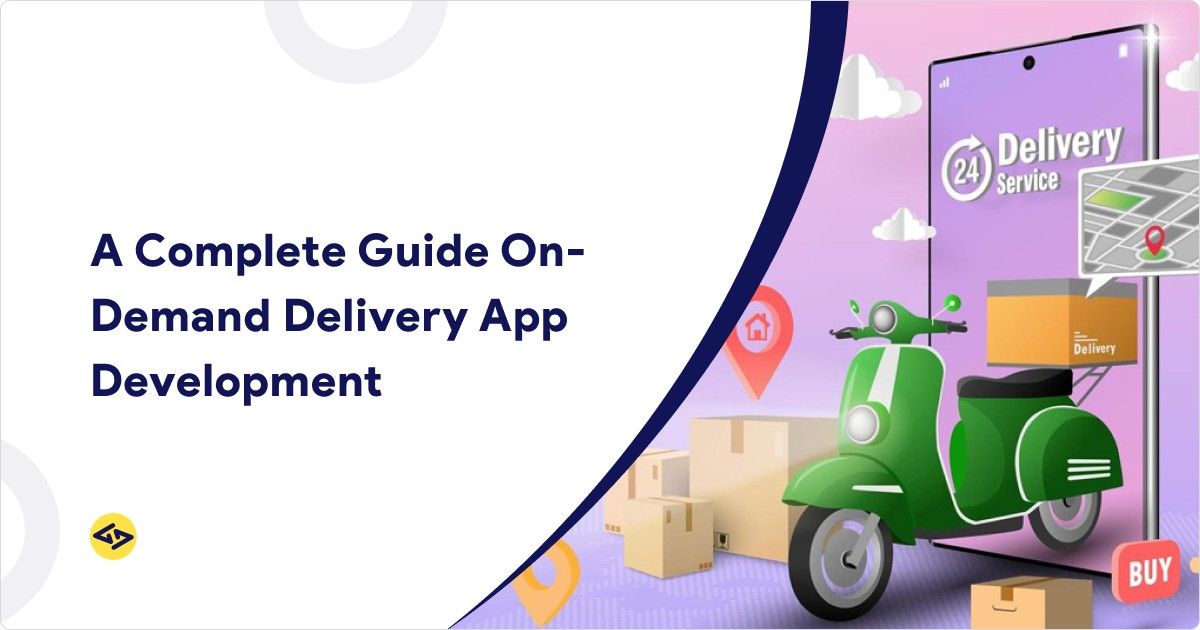
Customers now expect delivery to be fast, trackable, and reliable—whether it’s food, groceries, parcels, or pharmacy items. That’s why startups and brands are investing in delivery tech that can handle real-time orders, live tracking, smooth payments, and efficient dispatch.
In this guide, you’ll learn what matters most for on-demand delivery app development: the key app categories, must-have features, a clear build roadmap, realistic cost ranges, and practical marketing strategies to get early traction.
If you’re researching competitors first, see: Top Food Delivery Apps in USA
What is an On-Demand Delivery App?
An on-demand delivery app lets users order items or services and get them delivered quickly—often with live order tracking.
Key Categories of On-Demand Delivery App Solutions
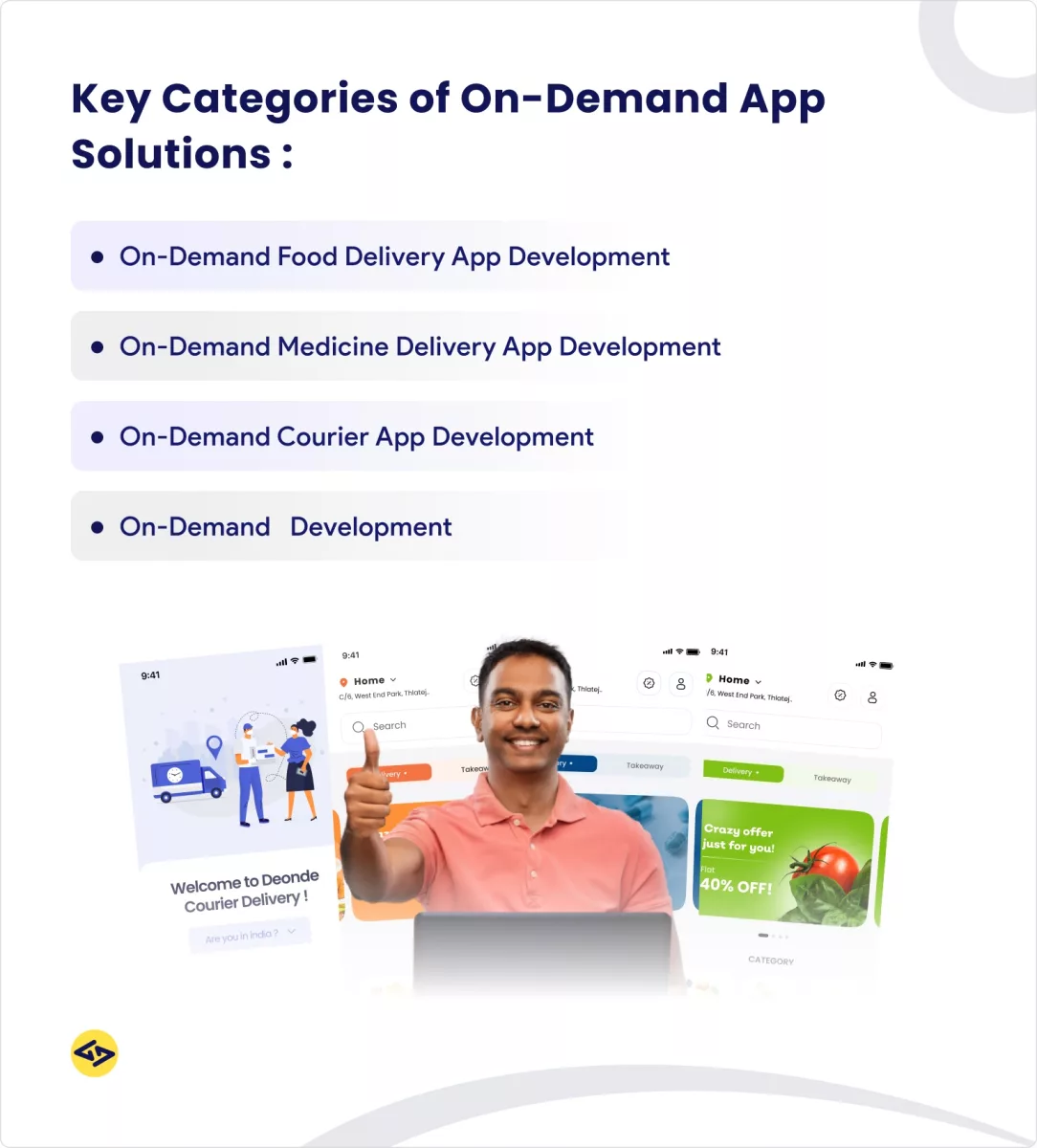
These are the most common delivery services (with examples and a simple explanation of what the app typically does):
1) Food Delivery
Users order from restaurants; delivery partners pick up and deliver. Explore our food delivery app development services
Examples: DoorDash, Uber Eats
Related guide: food delivery app like Uber Eats
https://www.icoderzsolutions.com/blog/food-delivery-app-like-ubereats/
2) Grocery Delivery
Users order groceries from stores; items are picked, packed, and delivered to the doorstep.
Examples: Instacart, Walmart Grocery
Discover on-demand grocery delivery app solutions.
3) Courier / Parcel Delivery
Users send packages from one location to another; the app assigns a nearby driver and shows real-time tracking.
Examples: Roadie, GoShare
4) Medicine / Pharmacy Delivery
Users order OTC products or prescriptions (with verification workflows) and track delivery like a standard order.
Examples: 1mg, PharmEasy (India)
Explore: Top 5 On-Demand Medicine Delivery Apps
5) Alcohol Delivery (where legally allowed)
Orders require age verification at checkout and/or delivery.
Examples: Regional retailer delivery (varies by location)
6) Laundry Pickup & Delivery
Users schedule pickup/drop-off, select services, and track status until delivery.
Example: Rinse (US)
Build a versatile on-demand multi-delivery app for all categories.
Key Features of On-Demand Delivery Apps (Customer, Driver & Admin)
Most successful apps are built as a 3-part system: Customer App + Driver App + Admin Panel.
On-demand delivery app features usually have three main panels: User Features, Delivery Features, and Admin Features.
User Features:
-
User Registration / User Profile Management
This feature generates and maintains user accounts, account details and information, payment methods and options, and app preferences necessary for individualized profiles. -
Menu/Product Browsing
Easy search and categorization of food, groceries, or items. -
Order Placement
Seamless cart and checkout process. -
Real-Time Tracking
Customers can easily track orders, as real-time tracking is one of the most important on-demand delivery app features. -
Secure Payment Gateway
Apps like Uber Eats and DoorDash ensure secure payment processes by implementing strict security measures, such as encryption and fraud detection, to protect users’ payment information during transactions. -
Order Management System
The customer may access records of their previous and current orders and be able to change certain existing orders if desired. -
Push Notifications
Consumers can always track the progress of their orders and any promotions a company offers them at any given time. -
Ratings and Reviews
After users place their orders, they might provide feedback and ratings to enhance service quality and direct future consumers. -
Customer Support Chat
Customers can contact the support service using the application if they have any problems or questions.
Driver/Delivery Person Features:
-
Real-Time Order Notifications
This means drivers receive order updates immediately and deliver goods and services as soon as possible. -
Navigation and Routing
The application also shows a driver’s availability and an efficient route to enable drivers to discover the shortest time to accomplish the deliveries. -
Earnings Tracker
Drivers can monitor their earnings and various deliveries and tips they receive in real-time. -
Profile Management
The drivers can change their preferences, availability, and payment details to update their profile. -
Rating and Review System
The ability for customers to rate drivers creates a sense of responsibility for service quality for everyone.
Admin Features:
-
Admin Dashboard
The admin dashboard provides the interface through which an administrator can control app activities, users, and drivers and monitor operations. -
Order Management
It will allow admins to monitor all orders and guarantee that all orders are fulfilled without problems in terms of time delivery and adjustment of possible problems. -
User and Driver Management
The administration is responsible for the customer and driver’s accounts, updating personal details, and solving issues and complaints. -
Analytics and Reporting
The app offers reports allowing admins to track order trends, application usage, and revenue to make new decisions. -
Payment Management
Payments are centralized and managed by the admins to maintain the effective execution of payments for users and drivers. -
Customer Support Management
Customer service is also directly managed by the admins to promptly answer or fix any complaints or questions so that the customer experience will be enhanced.
Explore More – Top 5 Features Of On-Demand Food Delivery Apps Like UberEats
How to Develop an On-Demand Delivery App?
A delivery app becomes successful when it works smoothly in real life—not just in demos. Here’s a simple, practical roadmap that keeps your MVP focused while covering what actually matters in execution.
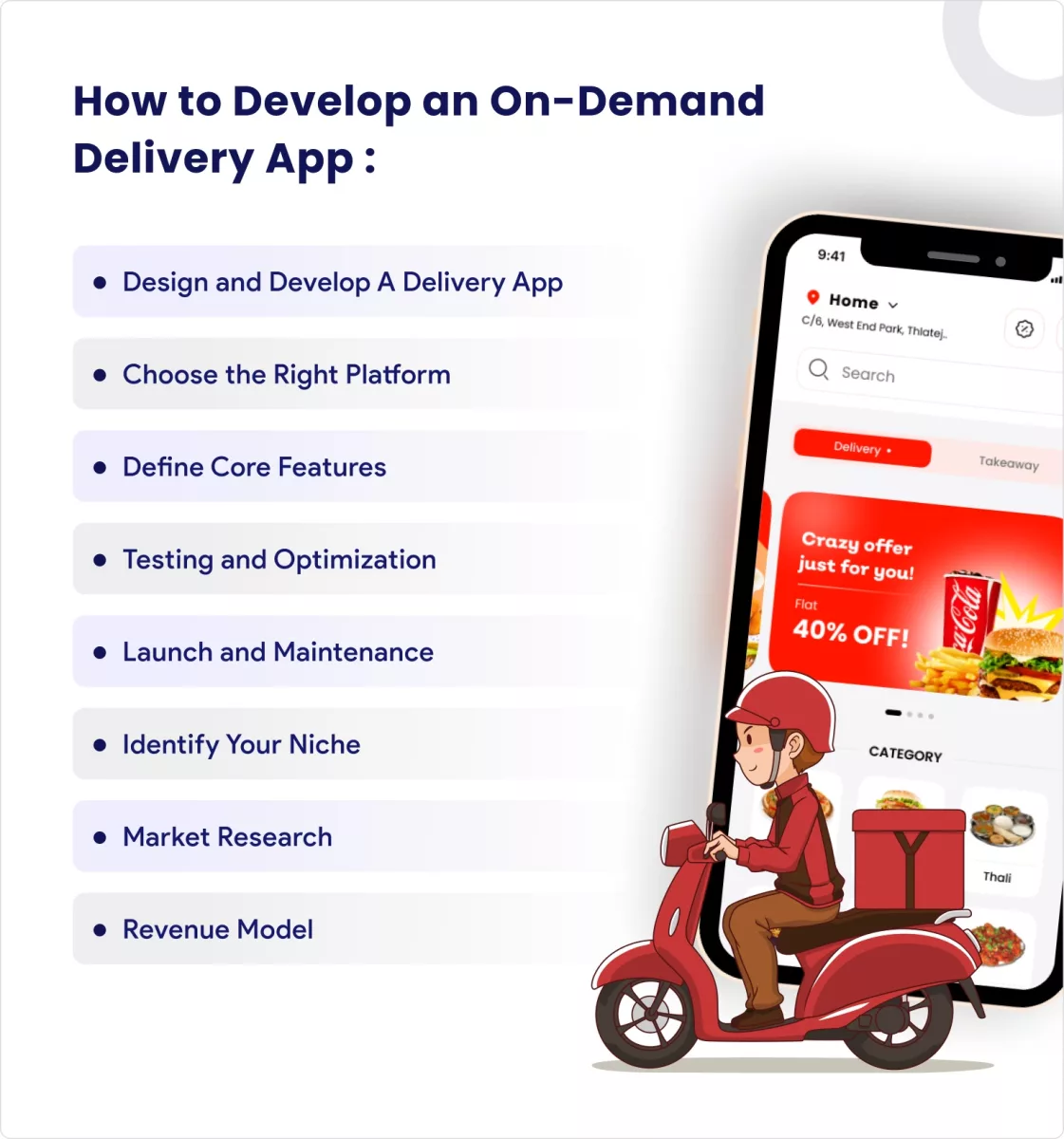
1) Identify Your Niche
First, choose the type of delivery service which you want to provide. It could be food, groceries, packages, or any other service. Finding out your specialization ensures that you meet the needs of certain customers and follow the app design process that will suit the clients.
2) Market Research
Do your homework and learn about the users and other market players you will compete with. Exploring the markets, customers, and competitor’s strengths and weaknesses is critical to making app differentiations based on opportunities and gaps.
3) Revenue Model
Determine how your app is going to make money. These include charging for delivery, asking clients to subscribe, and taking a percentage from the businesses. A clear revenue model assists in forecasting the best pricing mechanism for the business, which will be sustainable.
4) Define Core Features
All that can be seen first is order tracking, an easily navigable interface, and built-in payment options. These features are important to ensure a good and stable user experience, which increases customer satisfaction.
5) Choose the Right Platform
Choose if you must make a delivery app for iOS, Android, or both (Hybrid app). Each has its strengths, so if you choose one, consider such criteria as audience, cost, and time required. Partner with mobile application development experts for seamless execution.
6) Design and Develop A Delivery App
Create an attractive and intuitive front end and then define the back-end setting. This includes incorporating basic features like payment solutions, ordering systems, and real-time monitoring.
Quick tip (often missed): don’t delay the admin and dispatch workflow. Even a simple MVP needs clear order assignment, cancellation handling, and refund rules to protect the customer experience.
If you want to work with an experienced team, learn more about iCoderz as a mobile app solutions provider.
7) Testing and Optimization
This is done by conducting rigorous tests to find bugs, poor performance, and usability problems. Cross-platform testing guarantees your app’s optimal performance and high-quality reaction to various scenarios across different devices.
8) Launch and Maintenance
Once the app is tested and optimized, launch it on the app store(s). Monitor performance and user feedback and provide continuous updates and post-launch support to address issues and improve functionality.
By following these steps, creating a delivery application that would be useful for users and engaging them is possible.
Learn more about on demand app ideas to expand beyond delivery later.
How Much Does It Cost to Build an On-Demand Delivery App?
The on-demand delivery app development cost depends mainly on feature scope, UI/UX complexity, platforms (iOS/Android), and integrations like maps, SMS, payments, and admin dispatch logic.
In general, developing an on-demand delivery app can cost $30k–$100k.
Estimated cost of developing an on-demand delivery app by scope (example ranges)
- MVP (basic): $30k–$50k
- Feature-rich: $50k–$100k
- Enterprise / multi-city: $100k+
If you’re estimating a food delivery model specifically, this guide helps: Cost to Build a Food Delivery App like UberEats
Strategies to Promote Your On-Demand Delivery App
To successfully market your on-demand delivery app, consider these strategies:
1) ASO (App Store Optimization)
ASO is improving keywords, descriptions, and visuals so your app is easier to find in app stores, helping increase downloads.
2) Social Media Marketing
Promote your application using social platforms like Facebook, Instagram, and X (Twitter) to reach your target group and build awareness with consistent content.
3) Referral Programs
Use referral incentives so existing users bring new users—this can be one of the most cost-effective early growth channels.
4) Local Partnerships (supply first)
On-demand delivery only works when selection and coverage are strong. Onboard enough vendors/stores (or ensure fleet availability) before scaling paid campaigns in a new zone.
Conclusion: On-demand delivery app: from idea to launch
Building a delivery platform isn’t only about screens—it’s also about the operational flow behind the scenes. With the right MVP scope, essential features, and a smart rollout plan, on-demand delivery app development becomes much more predictable and scalable.
If one wants to build a food delivery app or develop a grocery delivery app, it’s crucial to maintain a strong user experience, good performance, and good application flow.
This means that all the steps in choosing the target audience and the key attributes are critical to ensure that the application meets the consumer’s demand.
Select the best on-demand app development companies like iCoderz if you want expert help planning MVP scope, UX, and a production-ready build
iCoderz Solutions can help you turn the idea into a reliable on-demand delivery product.
Build a Delivery App with iCoderz Team! Contact us
FAQ: On-Demand Delivery Apps
How long does it take to build an on-demand delivery app?
An MVP often takes around 8–12 weeks, depending on scope, platforms, and integrations.
What are the must-have features for launch?
Ordering + secure payments + tracking for customers, delivery workflow + navigation for drivers, and dispatch + support tools for admins.
What are the biggest cost drivers?
Platforms (iOS/Android), tracking/ETA accuracy, dispatch complexity, third‑party integrations, and QA/testing.