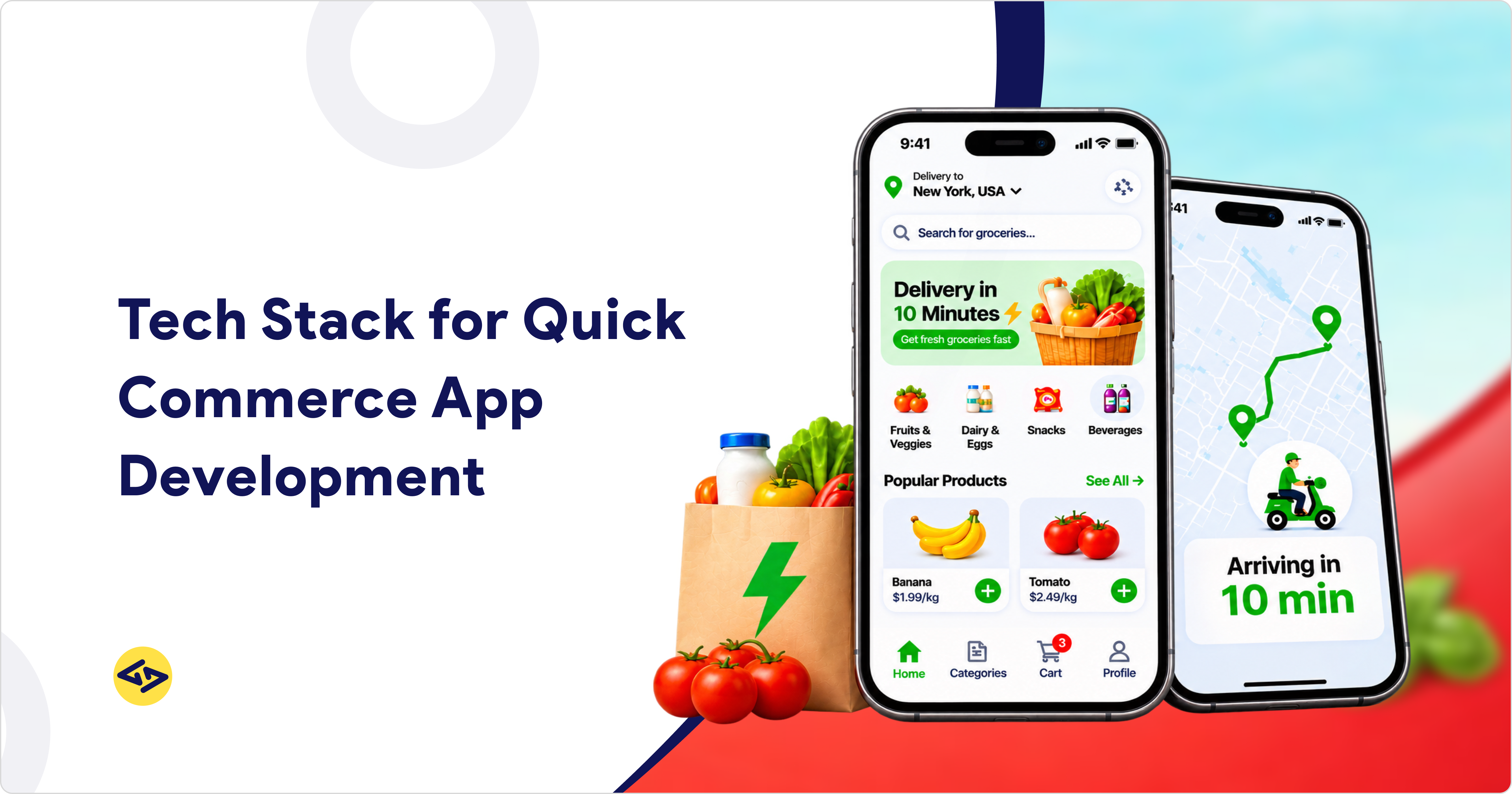
A quick commerce app tech stack has five core parts: cross-platform mobile apps, a web dashboard, a scalable backend, a database with search, and a real-time layer on cloud infrastructure. The right mix depends on your scale, order volume, performance requirements, and budget. A lean stack can launch one city. A larger stack must handle many dark stores at once.
A standard e-commerce setup often slows down at peak hour. This guide explains what each layer does and when to upgrade it. It builds on our guide to how quick commerce works, which covers the delivery model itself.
What Is a Quick Commerce App Tech Stack?
A quick commerce app tech stack is the set of technologies that runs a 10 to 30 minute delivery business. It covers every app, server, database, and service that moves an order from checkout to doorstep. You may also see it called a quick commerce technology stack or q-commerce tech stack.
A complete stack supports five parts:
- Customer app: browse, search, check out, and track orders.
- Rider app: accept deliveries, navigate, and confirm drop-off.
- Picker app: guide staff to pick and pack items inside the dark store. A dark store is a small warehouse that serves online orders only.
- Admin and dark store panel: manage catalog, stock, pricing, staff, and reports.
- Backend: run order logic, inventory, dispatch, and payments for all four.
All five parts of a quick commerce app tech stack share one live view of stock and orders. If one part lags, the others show wrong data. Teams planning quick commerce app development should design all five together.
Why Quick Commerce Needs a Different Tech Stack
Quick commerce needs a different tech stack because it has almost no delay tolerance. An order must reach the dark store, get picked, and reach a rider within minutes. Standard e-commerce stacks assume slower, planned orders. They break when stock changes every second and traffic spikes at once.
According to Grand View Research, the global quick commerce market is projected to grow significantly by 2033. This growth highlights the need for scalable technology, real-time inventory management, and efficient delivery systems.
Four risks shape the architecture:
- Zero latency tolerance. A slow search or checkout adds seconds to a promise measured in minutes. Customers leave when the app hesitates.
- Peak-hour spikes. Orders cluster around meal times and bad weather. Many users hit the same few stores together, so high concurrency order processing becomes the daily norm. Concurrency means many actions happening at the same moment.
- Inventory race conditions. A race condition happens when two customers buy the last item at the same moment. Without stock locking, both orders succeed. One fails later at the picking stage.
- Wrong stack assumptions. E-commerce stacks often sync stock in batches. That works for next-day shipping. It oversells when stock changes every few seconds.
Illustrative example (not a real client): A store has one carton of milk left. Two customers order it at 8:05 pm. With a stock lock in Redis, the second checkout is rejected at once. Without the lock, a picker finds an empty shelf, and a refund follows.
Each failure costs a refund, an idle rider, and a weaker chance of a repeat order. Before you commit to an architecture, compare both delivery models in our guide on quick commerce vs grocery delivery.
Quick Commerce App Tech Stack: Layer by Layer
This table summarizes a practical quick commerce app tech stack. Each row lists common options, not a single required choice.
| Layer | Common options | Role |
| Mobile apps | Flutter or React Native | One codebase for customer, rider, and picker apps |
| Web dashboard | React, or Vue with Nuxt | Admin and dark store panels |
| Backend | Node.js (NestJS) or Laravel | Order, inventory, and dispatch APIs |
| Database and search | PostgreSQL or MySQL, Redis, Elasticsearch or OpenSearch | Records, caching, and product search |
| Real-time layer | WebSockets, Kafka or RabbitMQ | Live status and event queues |
| Cloud and DevOps | AWS or GCP, Docker, Kubernetes | Hosting and autoscaling |
| Integrations | Stripe or Razorpay, Google Maps or Mapbox, Firebase | Payments, maps, and push alerts |
iCoderz Solutions has worked with Flutter, React Native, Node.js, Laravel, AWS, and Google Cloud on delivery platforms. For a retail-first view, see our guide to the grocery app technology stack.
Mobile apps (Customer, Rider, and Picker/Packer)
Build all three apps on Flutter or React Native. Flutter gives consistent UI across devices. React Native suits teams that already write JavaScript. Flutter vs React Native for quick commerce app builds is a team-skills decision. The best framework for a quick commerce app is the one your engineers can maintain.
Web dashboard
Build the admin and dark store panel in React, or in Vue with Nuxt. React vs Vue for admin dashboard work is mostly a question of team skills. A quick commerce admin dashboard tech stack should also support role-based access. Pickers and store managers then see only their own screens.
Backend
Node.js with NestJS suits event-driven order flows. NestJS for quick commerce app backends adds modular structure as the codebase grows. Laravel suits teams that want fast delivery and a mature ecosystem. Node.js vs Laravel for quick commerce backend depends on your developers more than on raw speed.
Database and search
PostgreSQL or MySQL stores orders, users, and stock as the source of truth. Redis, an in-memory store, serves hot data such as store-wise availability in milliseconds. Elasticsearch for product search in quick commerce adds typo-tolerant results. For the best database for quick commerce app builds, start relational and add Redis for speed.
Real-time layer
WebSockets for live order tracking push status updates to customers and riders. Kafka or RabbitMQ queue events such as order placed, item picked, and rider assigned. In Kafka vs RabbitMQ for order processing, RabbitMQ suits lean routing. Kafka suits high event volume and replay. Real-time inventory synchronization in quick commerce depends on this layer.
Cloud and DevOps
AWS and GCP both offer managed databases, autoscaling, and regional hosting. AWS vs GCP for quick commerce app projects usually comes down to team experience. Docker packages each service the same way everywhere. Kubernetes for quick commerce scalability starts extra servers when order volume spikes.
Integrations
Stripe and Razorpay cover payment gateway integration for a quick commerce app. Razorpay vs Stripe for delivery app projects depends on your market, since Razorpay focuses on India and Stripe supports many countries. Google Maps or Mapbox powers distance and routing. Firebase push notifications for delivery app alerts keep customers informed.
How the Stack Powers Core Quick Commerce Operations
Six operations decide delivery speed. This table maps each one to the part of the quick commerce app tech stack that runs it.
| Operation | Stack components | How it works |
| Inventory sync | PostgreSQL, Redis, Kafka | Each sale creates an event. Stock updates per store in seconds, and Redis locks the last units. |
| Order processing | Backend APIs, RabbitMQ or Kafka | Queues absorb spikes and process each store’s orders in sequence. |
| Dark store management | Picker app, admin panel | The picker app lists items by shelf location and flags stockouts at once. |
| Rider allocation | Backend dispatch service, Redis | An automated rider allocation algorithm picks the nearest free rider by distance and load. |
| Route optimization | Google Maps or Mapbox APIs | Route optimization for a quick delivery app uses live traffic and handles multiple drops. |
| Live tracking | WebSockets, Maps SDK | Live delivery tracking with the Google Maps API shows rider movement on the customer’s map. |
A dark store management software tech stack must stay fast on mid-range devices, because pickers work under time pressure. Our guide to building a dark store grocery delivery app covers the build in detail.
Data from these six flows also feeds forecasting and dispatch models. See how teams apply AI in quick commerce once the base stack runs reliably.
How to Choose the Right Tech Stack
Choose your quick commerce app tech stack by matching four factors: order volume, performance requirements, team skills, and budget. Start with a lean, modular stack for one city. Add queues, search, and Kubernetes only when traffic proves the need. This keeps early costs low and leaves room to scale.
| Factor | MVP | Growth |
| Scale | One city, a few dark stores | Many cities, many dark stores |
| Architecture | Modular monolith | Microservices |
| Real-time layer | WebSockets with RabbitMQ | WebSockets with Kafka |
| Infrastructure | One cloud region, Docker, managed database | Kubernetes autoscaling across zones |
| Priority | Launch fast and validate demand | Reliability and cost control |
Microservices vs monolith for quick commerce is a timing question. A monolith is one codebase that ships as one unit. Microservices split the system into independent services. A modular monolith is faster to build. Microservices help once several teams ship daily.
Quick commerce app development cost by tech stack also varies with these choices. Managed cloud services cost more to run but save engineering time. Self-managed Kubernetes does the reverse. If your model is still grocery-first, review our grocery delivery app development guide for scoping.
Build Your Quick Commerce App with iCoderz
iCoderz Solutions has delivered 240+ projects across 30+ countries since 2011, including on-demand platforms with customer, rider, merchant, and admin apps. As a quick commerce app development company, we can review your market and order volume, then recommend a stack that fits. Explore our Quick Commerce App Development services to see what we build.
Conclusion
A quick commerce app tech stack must handle live inventory, fast dispatch, and peak-hour traffic. Cross-platform apps, a modular backend, Redis, search, queues, and cloud autoscaling cover those needs. Start lean for one city, then move to microservices and Kubernetes as orders grow. Ready to plan your build? Talk to the iCoderz team for a feature-by-feature estimate.
Launch Your Own Quick Commerce App Today
Launch Your Quick Commerce Business with a Future-Ready Tech Stack

FAQs
What is the best tech stack for quick commerce app development?
A common choice is Flutter or React Native for apps, Node.js or Laravel for the backend, and PostgreSQL with Redis and Elasticsearch for data. WebSockets with Kafka or RabbitMQ handle real time. AWS or GCP host it all. Your scale and team skills decide the final mix.
What tech stack does Blinkit use?
We could not find a complete, official stack published by Blinkit, so any exact list would be a guess. Use proven patterns instead: live inventory, event queues, and autoscaling cloud hosting.
What tech stack do you need for an app like Zepto?
Zepto also does not publish a full stack that we could verify. For a similar app, build the five parts described above. Start with Flutter or React Native, a modular backend, Redis, and queue-based order flow.
How do you handle peak traffic in a quick commerce app?
Cache hot data in Redis, queue orders with RabbitMQ or Kafka, and autoscale servers with Kubernetes. Load test with realistic peak-hour volumes before launch. Keep stock checks atomic to prevent overselling.
Should a quick commerce app start with microservices or a monolith?
Start with a modular monolith for an MVP. It is faster to build and cheaper to run. Move to microservices when several teams ship daily or one service must scale alone.
How do you choose a tech stack for a quick commerce app?
Match order volume, performance needs, team skills, and budget. Pick proven tools your team can maintain. Add complexity such as Kafka or Kubernetes only after traffic needs it.