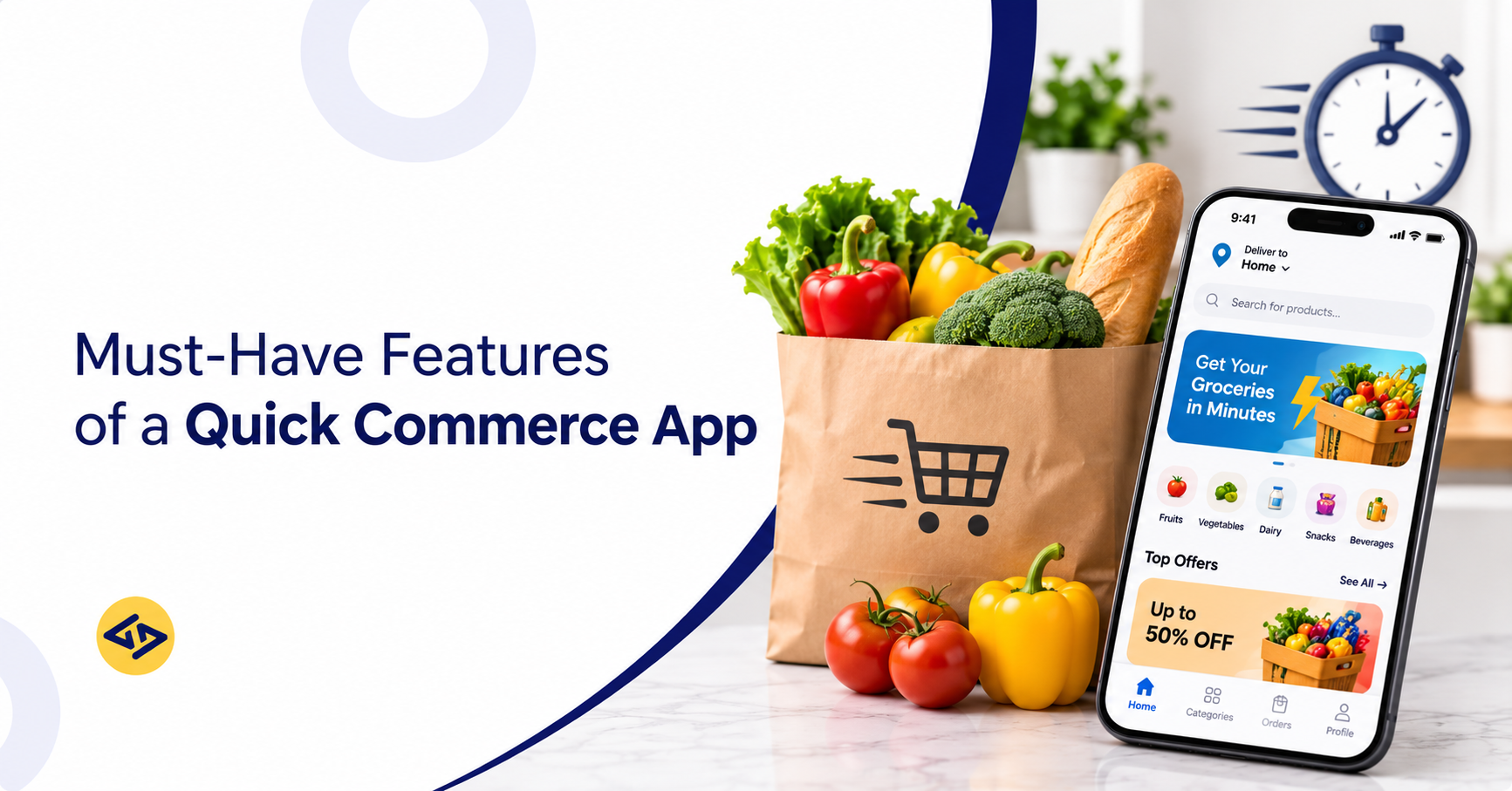
The must-have features of a quick commerce app include real-time inventory management, smart product search, secure payments, live order tracking, automated rider assignment, and centralized store management. Together, these capabilities help businesses streamline order fulfilment, improve delivery efficiency, and offer a convenient shopping experience.
Quick commerce has moved from a novelty to a daily habit. Shoppers now expect groceries, medicines, and essentials at their door within minutes, and that expectation shapes every app they download. Actual delivery times vary with location, inventory availability, and fulfilment operations, so software supports speed but does not guarantee it. If your app shows an item that is out of stock, or a rider shows up late with no tracking, customers simply switch to a competitor.
That is why quick commerce app features matter twice over. They shape the customer experience (speed, trust, convenience) and they drive operational efficiency (fewer errors, lower delivery costs, better stock planning).
Every successful platform is built from three connected components:
- Customer app: where people browse, order, pay, and track.
- Delivery partner app: where riders accept orders and navigate.
- Admin panel: where your team manages stores, inventory, orders, and performance.
Choosing the right features for each one is the foundation of a scalable platform. If you are still at the planning stage, our quick commerce app development services page explains how these pieces fit together.
What Is a Quick Commerce App?
Quick commerce (Q-commerce) is an on-demand retail model that delivers a limited range of everyday products, typically within 10 to 30 minutes in well-served areas, from nearby fulfilment points such as dark stores. Depending on the business model, orders can be fulfilled through dark stores, micro-fulfilment centres, or strategically located retail stores. A quick commerce app is the software that connects customers, fulfilment points, and delivery partners in real time.
Here is how it differs from the models you already know:
- Traditional ecommerce: Wide catalog, delivery in days, shipped from large warehouses.
- Grocery delivery: Orders are often scheduled in slots and picked from supermarkets or larger stores.
- Quick commerce: Narrow catalog, delivery in minutes, picked from nearby dark stores.
Three elements make this possible:
- Dark stores: Small, closed-to-public warehouses placed close to dense neighborhoods and organized for fast picking.
- Real-time inventory: Live stock data so customers only see what can actually be delivered.
- Last-mile delivery: Short-distance rider delivery, managed with automation and route intelligence.
Want a deeper comparison? Read our breakdown of quick commerce vs. grocery delivery.
How Does a Quick Commerce App Work?
A quick commerce app works by routing each order to the nearest dark store that has the items in stock, then assigning a nearby rider to deliver it within minutes. The complete order journey looks like this:
- Customers browse products and place orders. They search, add items to the cart, and pay.
- The system checks real-time inventory. Only items available at the serving dark store can be ordered.
- The nearest dark store receives the order. The platform allocates it based on location and stock.
- Store staff pick and pack the products. The picking list is optimized by shelf location to save seconds.
- The delivery partner receives the assignment. Automated logic picks the best available rider.
- Customers track the order until delivery. Live updates and an accurate ETA keep them informed.
Each step relies on a specific feature in one of the three modules. For a fuller walkthrough, see how quick commerce works.
Must-Have Customer App Features for Quick Commerce
The customer app is where loyalty is won or lost. These customer app features for quick commerce should be in place before launch. Building them well across iOS and Android is easier with a team experienced in mobile application development.
Easy User Registration and Login
Friction at signup kills conversions. Offer social login (Google, Apple), phone number sign-in with OTP verification, and secure authentication with token-based sessions. Saved addresses and one-tap re-login make repeat orders faster.
Location Detection and Serviceability Check
Quick commerce is hyperlocal, so the app should detect the customer’s location (GPS or manual pin), check whether it falls inside a serviceable delivery zone, and show only the products available from the nearest fulfilment point. Clear “not serviceable yet” messaging with a waitlist sign-up avoids frustration outside your coverage area.
Address Management
Let users save multiple addresses (home, work, other), add delivery instructions such as gate codes or landmarks, and switch locations quickly. Accurate pins and saved instructions reduce failed deliveries and rider calls.
Smart Product Search and Filters
Product search and filtering features in delivery apps help shoppers find items in seconds. Look for:
- Auto-suggestions and typo tolerance
- Category and subcategory navigation
- Filters for brand, price, dietary preference, and offers
- Recent and trending searches for easy discovery
Real-Time Product Availability
Nothing frustrates a customer like a cancelled order. Real-time availability connects the app to live dark store stock, so out-of-stock items are hidden or marked instantly, and quantities update as other customers order.
Shopping Cart and Wishlist
A fast cart supports quantity edits, saved items, coupon application, and quick reorder of past baskets. A wishlist lets customers save products for later and gives you data on demand.
Multiple Payment Options
Quick commerce app payment integration should cover the methods your market prefers: UPI, credit and debit cards, net banking, digital wallets, and cash on delivery where supported. Add saved payment methods, instant refunds, and PCI-DSS compliant gateways to build trust.
Real-Time Order Tracking
Real-time order tracking in quick commerce apps is non-negotiable. Customers expect a live map, rider location, estimated arrival time, and a status timeline (confirmed, packed, out for delivery, delivered). Accurate ETAs reduce “where is my order?” support tickets.
Push Notifications and Order Alerts
Push notifications in quick commerce apps keep customers informed and bring them back. Use them for:
- Order confirmation and delivery updates
- Personalized offers and price drops
- Reorder reminders for staples
- Cart abandonment nudges
Keep them relevant and let users control preferences.
Personalized Recommendations
Personalized product recommendations in quick commerce use purchase history, browsing behavior, and time of day to suggest items such as “frequently bought together” or “order again.” This raises basket size without extra marketing spend.
Ratings, Reviews, and Feedback
Collect product ratings, delivery feedback, and written reviews. Feedback on missing or damaged items helps your team fix store-level issues quickly and strengthens trust for new users.
Essential Delivery Partner App Features
Quick commerce delivery partner app features decide how fast and reliably an order reaches the customer. Riders need an app that is simple, quick, and works under pressure.
Easy Delivery Partner Registration
Let riders sign up with document upload (ID, license, vehicle details), background verification status, and simple onboarding steps.
Automated Order Assignment
Automated rider assignment in delivery apps matches each order to the best available rider using distance, current load, and rider status. It removes manual dispatching and shortens pickup time.
GPS-Based Navigation
In-app turn-by-turn navigation and store-to-customer routes save time and reduce wrong turns, especially in dense areas.
Real-Time Delivery Tracking
Live location sharing feeds the customer’s tracking map and gives operations teams a bird’s-eye view of every active delivery.
Delivery Status Updates
One-tap status changes (arrived at store, picked up, reached customer, delivered) keep all three modules in sync.
Earnings and Delivery History
Transparent earnings, incentives, and payout history improve rider retention, which is a major cost driver in last-mile operations.
In-App Communication
Masked calling and chat let riders contact customers and store staff without exposing personal numbers.
Proof of Delivery
Confirm each handover with an OTP, photo, or digital confirmation, depending on the product type. Proof of delivery protects customers and the business and speeds up resolving “not received” claims.
Offline Support and Network Recovery
Riders often work in lifts, basements, and low-coverage areas. The app should cache the active order, queue status updates, and sync automatically when connectivity returns, so deliveries can still be completed.
Together, these features cut idle time, improve on-time rates, and help businesses manage last-mile operations with far less manual effort.
Quick Commerce App Features: Must-Have Admin Panel Features
The quick commerce admin panel features you choose determine how well your team can run dozens or hundreds of dark stores. Think of it as your control room.
Centralized Dashboard and Analytics
A single view of live orders, delivery times, cancellations, revenue, and active riders helps managers act before small problems grow.
Product and Category Management
Add, edit, and bulk upload products, set images, descriptions, pricing, taxes, and categories, and control which store sees which products.
Real-Time Inventory Management
An inventory management system for quick commerce syncs stock across dark stores, flags low stock, tracks expiry dates, and updates the customer app instantly when items sell out.
Order and Return Management
An order management system for quick commerce tracks every order from placement to delivery, handles cancellations and refunds, and manages returns or replacements for missing and damaged items.
Dark Store Management
Dark store management software features should include store-level inventory, staff shifts, picking and packing workflows, service area (geofence) settings, and performance by store. Strong quick commerce warehouse management features reduce picking errors and wastage.
Store Capacity and Order Management
Set limits on order volume, picking capacity, store availability, and delivery zones for each fulfilment point so no single store is overloaded. Add stock reservation, which holds inventory for confirmed orders during checkout so two customers cannot buy the last unit. Admins can pause a store, shrink its delivery radius during rushes, or reroute orders to nearby stores.
Delivery Partner Management
Approve riders, monitor performance, manage shifts and zones, set incentives, and handle payouts from one place.
Customer and Vendor Management
View customer profiles and order history, manage support cases, and onboard suppliers or vendors with their own catalogs and purchase orders.
Offers, Discounts, and Promotions
Create coupons, flash sales, bundle offers, and first-order discounts, with rules by location, store, or customer segment.
Reports and Performance Tracking
Track sales, margins, delivery SLAs, stock turnover, and wastage. Exportable reports help finance and operations teams make decisions with real data.
Advanced AI-Powered Features in Quick Commerce Apps
AI features in quick commerce apps are becoming a real differentiator, especially as order volume grows and margins tighten. They are rarely needed on day one, but they pay off as you scale. To go deeper, read our guide to AI in quick commerce.
Not every smart feature needs AI. Many automation features run on fixed business rules, and AI becomes useful when predictions need to learn from data:
- Rider assignment: can be rule-based (nearest available rider) or AI-powered (predicting acceptance and delivery time).
- Inventory replenishment: can use simple reorder thresholds or predictive models that forecast demand.
- Route optimization: can run on standard mapping and routing algorithms; AI adds value when it predicts traffic and delays or batches orders.
- Order allocation and pricing: can start with rules (distance, stock, capacity, expiry-based discounts) and move to machine learning as data grows.
Starting with rules and adding AI later is often the most practical path.
AI-Powered Demand Forecasting
AI-powered demand forecasting in quick commerce predicts what each dark store will need based on past sales, weather, local events, and seasonality. Better forecasts mean fewer stockouts and less spoilage.
Smart Product Recommendations
Machine learning models learn each customer’s habits and tailor home screens, search results, and cart suggestions.
Automated Inventory Replenishment
Automated inventory replenishment in quick commerce triggers purchase orders or stock transfers when levels hit a threshold, reducing manual planning.
Intelligent Order Allocation
Smart order allocation in quick commerce apps picks the best dark store for each order based on stock, distance, current workload, and expected delivery time.
Dynamic Pricing and Promotions
Dynamic pricing features in quick commerce apps adjust prices or discounts based on demand, expiry dates, and competition, helping clear short-life stock while protecting margin.
AI-Powered Customer Support Chatbots
Chatbots resolve common queries such as order status, refunds, and missing items instantly, and hand over complex cases to human agents.
Delivery Route Optimization
Delivery route optimization for quick commerce and broader route optimization features in delivery apps use live traffic, order batching, and rider location to find the fastest path. Even small time savings per order add up across thousands of deliveries.
In short, AI helps businesses reduce operational inefficiencies, plan inventory more accurately, and deliver a smoother customer experience. These quick commerce app automation features work best when built on clean data from the must-have modules.
Additional Features That Make a Quick Commerce App More Competitive
Once the core is solid, these extras help you stand out and boost retention:
- Subscription and membership programs: Free delivery or exclusive prices for a monthly fee.
- Loyalty and reward points: Earn on every order and redeem on future purchases.
- Multi-language support: Essential in diverse markets such as India.
- Multiple delivery slot options: Instant, scheduled, and priority delivery choices.
- Referral and coupon management: Grow organically with shareable codes.
- Customer support and complaint resolution: In-app chat, call, and ticket tracking with clear resolution timelines.
Must-Have vs. Advanced Quick Commerce App Features
Use this table to decide what to build first. In general, launch with the must-haves, collect data for a few months, and then add advanced capabilities.
| Feature category | Priority | Business benefit |
|---|---|---|
| User registration | Must-have | Easy onboarding |
| Real-time inventory | Must-have | Accurate stock visibility |
| Order tracking | Must-have | Better customer experience |
| Payment integration | Must-have | Convenient checkout |
| Admin dashboard | Must-have | Centralized management |
| AI demand forecasting | Advanced | Better inventory planning |
| Dynamic pricing | Advanced | Flexible pricing |
| AI recommendations | Advanced | Personalized shopping |
Quick example: Imagine a regional grocery chain launching in one city with ten dark stores. It starts with registration, search, inventory sync, payments, tracking, and a basic admin dashboard. After three months of order data, it adds demand forecasting to cut spoilage on fresh produce. This phased approach keeps early costs low while proving demand.
How to Choose the Right Features for Your Quick Commerce Business?
Choose features by matching them to your customers, delivery model, operations, and budget, then build in phases. Use this checklist to define your quick commerce app development requirements:
- Understand your target customers. Study their shopping habits, peak hours, and preferred payment methods.
- Select your business and delivery model. Decide between inventory-led (your own dark stores) and marketplace (multiple vendors) models.
- Identify operational requirements. Map picking, packing, returns, and staffing needs at the store level.
- Choose the right technology stack. Pick scalable backend, mapping, and payment technology that can handle peak load.
- Consider scalability and integrations. Plan for ERP, POS, payment gateways, SMS, and mapping APIs from the start.
- Prioritize by budget and goals. Use an MVP-first roadmap and add advanced features once the core works.
For a step-by-step planning framework, see our quick commerce app development guide.
How Much Does It Cost to Develop a Quick Commerce App?
The cost to develop a quick commerce app typically ranges from about $25,000 for a lean MVP to $150,000 or more for a full-featured, AI-enabled platform.
These estimates are indicative planning ranges rather than fixed development prices. Actual costs and timelines depend on the number of modules, integrations, feature complexity, development team, and project scope. A detailed estimate should be prepared after reviewing your business requirements.
Key factors that influence quick commerce app development cost:
- Number of app modules: Customer app, rider app, admin panel, and store or vendor panel each add effort.
- Feature complexity: Simple catalog browsing costs far less than real-time inventory sync across many stores.
- UI/UX design requirements: Custom, research-led design takes more time than template-based design.
- Third-party integrations: Payment gateways, maps, SMS, ERP, and POS integrations add development and licensing costs.
- AI implementation: Forecasting, pricing, and allocation models need data science work and cloud resources.
- Maintenance and scalability: Hosting, monitoring, updates, and scaling for peak traffic are ongoing costs.
Typical timelines run from roughly 3 to 4 months for an MVP to 6 to 9 months for a complete platform. Quick commerce app development for startups often works best as a phased build. Comparing vendors? Our list of top quick commerce app development companies can help you evaluate your options.
Build Your Quick Commerce App with the Right Technology Partner
Features only create value when they are built well and work together. An experienced quick commerce app development company brings proven architecture, domain knowledge, and the discipline to avoid expensive rework.
What to look for in a partner:
- Experience delivering custom quick commerce app development across customer, delivery partner, and admin modules
- Real-time inventory, tracking, and order allocation expertise
- Scalable architecture and strong security practices
- Clear communication, transparent pricing, and post-launch support
- Verifiable client work and references
At iCoderz Solutions, our teams build end-to-end quick commerce app development solutions, from MVP to AI-enabled platforms.
- Experience: iCoderz is an Ahmedabad-based company with 15+ years of experience and 240+ apps delivered across 30+ countries.
- Quick commerce modules: Customer app, picker app, rider app, and admin dashboard, with real-time inventory and dark store management built in.
- Ownership and timeline: 100% source code and IP ownership at handover, with projects typically going live in about 12 to 22 weeks, depending on scope.
- Client reviews: Rated 4.8/5 on Clutch and 4.6/5 across 29 reviews on GoodFirms (as of November 2026), including reviews of an on-demand delivery platform with separate driver and vendor apps.
Planning to launch a quick commerce platform? Share your requirements with our team and get a free consultation on features, timeline, and budget.
Ready to Launch Your Quick Commerce App?
Turn your business idea into a scalable quick commerce solution.

Frequently Asked Questions
What are the must-have features of a quick commerce app?
The must-have features include easy registration, smart search and filters, real-time product availability, cart and checkout, multiple payment options, live order tracking, and push notifications in the customer app. You also need automated order assignment and GPS navigation for riders, plus an admin panel with inventory, order, and dark store management.
What are the three main components of a quick commerce platform?
The three components are the customer app, the delivery partner app, and the admin panel. Some platforms add a dark store or vendor panel as a fourth module for picking, packing, and stock handling.
How does real-time inventory management work in quick commerce?
Real-time inventory management syncs stock levels between dark stores, the admin panel, and the customer app. When an item is picked or sold, the count updates instantly, low-stock alerts trigger, and unavailable items are hidden so customers never order something that cannot be delivered.
Why are dark stores important for quick commerce apps?
Dark stores are small fulfillment hubs close to customers. Because they stock a focused range of fast-moving products and are laid out for quick picking, they make very fast delivery possible. Some businesses use micro-fulfilment centres or nearby retail stores instead.
How does AI improve quick commerce operations?
AI improves operations by forecasting demand, automating restocking, allocating orders to the best store, optimizing delivery routes, and personalizing recommendations. The result is less wastage, faster deliveries, and higher customer satisfaction.
How much does it cost to build a quick commerce app?
An MVP can start around $25,000, while a full-featured platform with AI and multiple modules can exceed $150,000. Cost depends on modules, feature complexity, design, integrations, and AI scope.
How long does it take to develop a quick commerce app?
An MVP usually takes about 3 to 4 months, and a complete platform with advanced features can take 6 to 9 months. Clear requirements and a phased roadmap shorten the timeline.
Can startups build a quick commerce app on a limited budget?
Yes. Startups can launch with an MVP that covers registration, search, inventory sync, payments, tracking, and a basic admin panel, then add advanced features such as AI forecasting after validating demand.